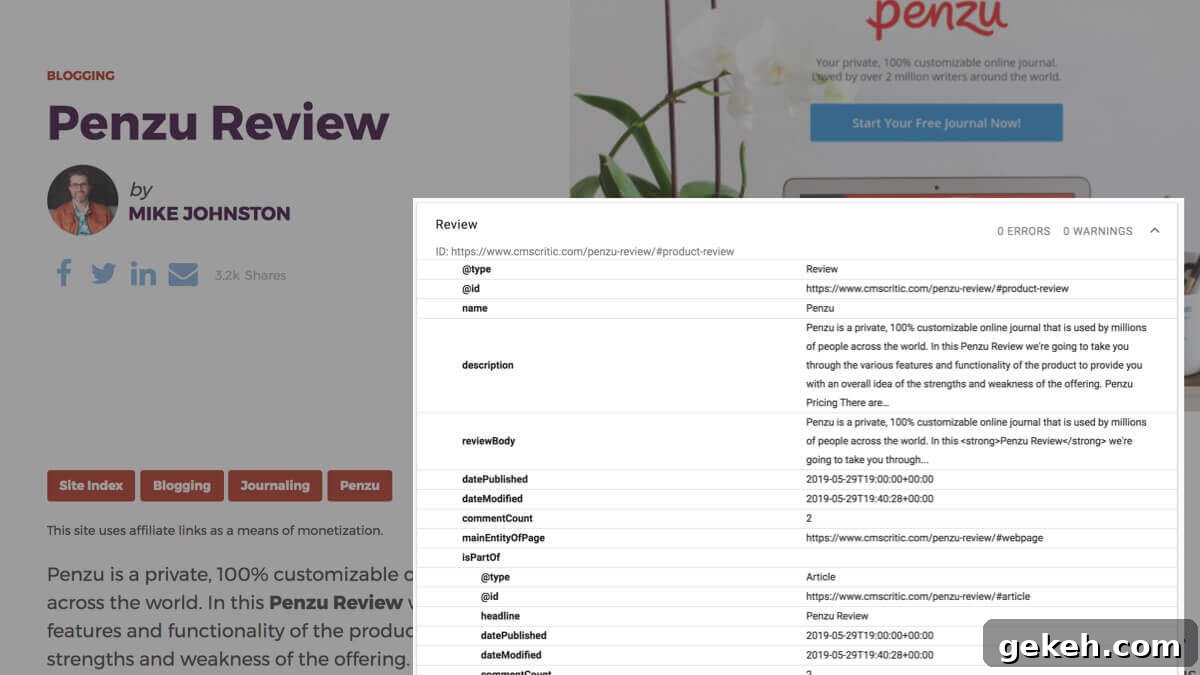
Yoast SEO outputs posts using the Article schema type by default, but you can extend or replace that with plugins or custom code to use a more specific type when appropriate.
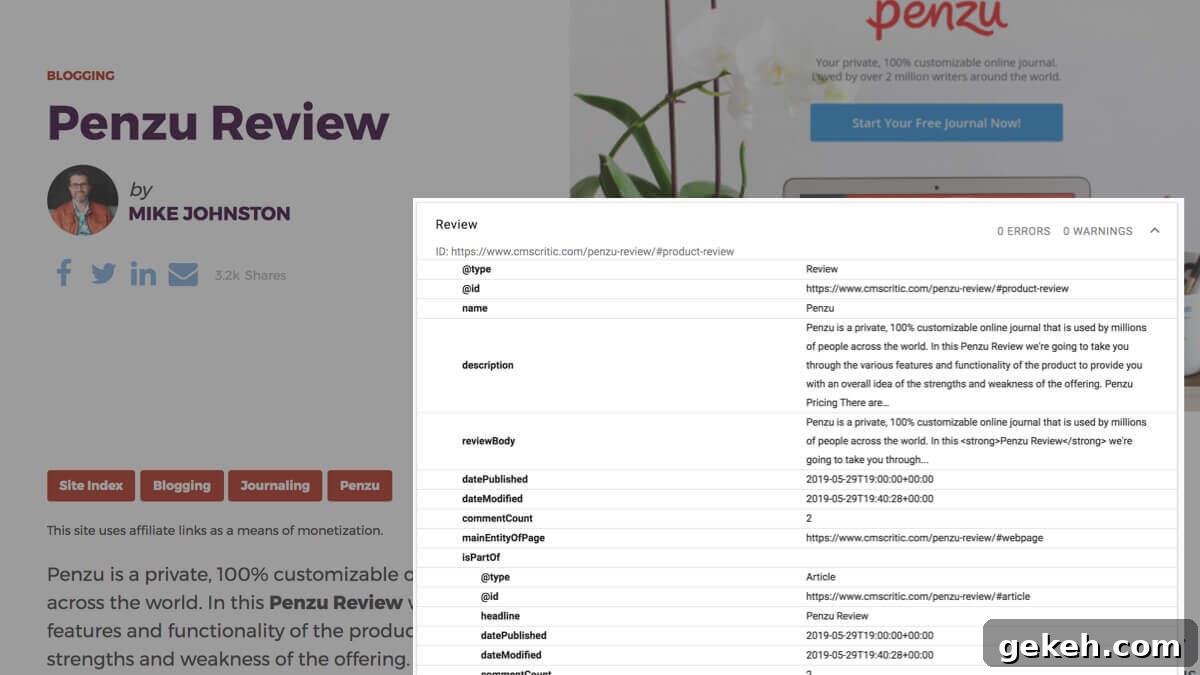
Google’s Structured Data Guidelines advise using the most specific applicable types and properties from schema.org for your markup. For a product review website, the Review type is usually a better match than the generic Article type. To demonstrate how to implement this, I developed a plugin that:
- Adds a backend option to mark posts as reviews
- Stores additional review metadata in a custom metabox
- Modifies the Yoast SEO schema output to include the review markup
The rest of this article explains how to extend Yoast SEO’s schema with product reviews as an example. If you only want product review schema on your site and prefer not to write code, you can install the “Product Review Schema for Yoast SEO” plugin I created; no code changes are required.
Install the plugin
“Product Review Schema for Yoast SEO” is available on GitHub as a free download.
Download Now
Filtering schema pieces
The primary hook for extending Yoast SEO schema is the wpseo_schema_graph_pieces filter. Yoast builds a comprehensive schema graph by assembling many small “pieces.” By adding or removing pieces with this filter, you can modify the final structured data output.
/**
 * Adds Schema pieces to our output.
 *
 * @param array                 $pieces  Graph pieces to output.
 * @param \WPSEO_Schema_Context $context Object with context variables.
 *
 * @return array $pieces Graph pieces to output.
 */
public function schema_piece( $pieces, $context ) {
	require_once( plugin_dir_path( __FILE__ ) . '/class-be-product-review.php' );
	$pieces[] = new BE_Product_Review( $context );
	return $pieces;
}
add_filter( 'wpseo_schema_graph_pieces', array( $this, 'schema_piece' ), 20, 2 );
Each piece is implemented as a class. In this example the custom BE_Product_Review class lives in class-be-product-review.php inside the plugin.
Creating a class
Graph piece classes should extend Yoast’s Abstract_Schema_Piece class. Your custom class needs two main methods:
generate()for producing the graph piece datais_needed()for deciding whether the piece should be added in the current context
To make the code more resilient to future Yoast changes, it’s often better to extend an existing Yoast schema class rather than building a brand new class from scratch. That way, if Yoast adds or updates required methods, your class will inherit those changes.
use \Yoast\WP\SEO\Generators\Schema\Abstract_Schema_Piece;

class BE_Product_Review extends Abstract_Schema_Piece {

}
Extending an existing class
The Yoast schema generator classes are located in /wordpress-seo/src/generators/schema. For a review, using the Article class as a base makes sense because a review is a specific kind of article.
use \Yoast\WP\SEO\Generators\Schema\Abstract_Schema_Piece;
use \Yoast\WP\SEO\Generators\Schema\Article;
use \Yoast\WP\SEO\Config\Schema_IDs;

class BE_Product_Review extends Article {

}
Customize is_needed()
Override is_needed() to control when the review piece should be added. Since the parent Article class provides its own decision logic, you only need to override this method when your review should appear under different conditions.
In my plugin, editors mark posts as product reviews with a metabox that sets the be_product_review_include meta key. The class checks that meta value and the current post type to decide whether to include the review schema. Note that instead of calling get_the_ID(), the class uses $this->context->id to obtain the current post ID:
	/**
	 * Determines whether or not a piece should be added to the graph.
	 *
	 * @return bool
	 */
	public function is_needed() {
		$post_types = apply_filters( 'be_product_review_schema_post_types', array( 'post' ) );
		if( is_singular( $post_types ) ) {
			$display = get_post_meta( $this->context->id, 'be_product_review_include', true );
			if( 'on' === $display ) {
				return true;
			}
		}
		return false;
	}
Generate the graph data
The generate() method builds the actual schema for the review. Follow Google’s guidelines for the Review type and validate your output with the Structured Data testing tools. Typical required fields for a Product Review include itemReviewed, reviewRating, and reviewBody.
When assembling the graph piece, include an @id so other pieces can reference it, and an isPartOf entry so Yoast knows how this piece fits into the larger graph. For example, because the review is part of the article, the piece references the article hash:
'isPartOf' => array( '@id' => $this->context->canonical . Schema_IDs::ARTICLE_HASH ),It’s good practice to provide filters on the final data array so themes or other plugins can modify the output if needed. To keep the main generate() method tidy, move related logic into helper methods. In my implementation I created get_review_meta( $key, $fallback ) to retrieve review meta with sensible fallbacks (for example, using the post title or content if specific review fields are empty).
Below is the completed class from the plugin. It demonstrates the full implementation of the is_needed() and generate() methods, plus a couple of helper methods used to build the review schema markup:
context->id, 'be_product_review_include', true );
			if( 'on' === $display ) {
				return true;
			}
		}
		return false;
	}

	/**
	 * Adds our Review piece of the graph.
	 *
	 * @return array $graph Review markup
	 */
	public function generate() {
		$post          = get_post( $this->context->id );
		$comment_count = get_comment_count( $this->context->id );

		$data          = array(
			'@type'            => 'Review',
			'@id'              => $this->context->canonical . '#product-review',
			'isPartOf'         => array( '@id' => $this->context->canonical . Schema_IDs::ARTICLE_HASH ),
			'itemReviewed'     => array(
					'@type'    => 'Product',
					'image'    => array(
						'@id'  => $this->context->canonical . Schema_IDs::PRIMARY_IMAGE_HASH,
					),
					'name'     => wp_strip_all_tags( $this->get_review_meta( 'name', get_the_title() ) ),
			),
			'reviewRating'     => array(
				'@type'        => 'Rating',
				'ratingValue'  => esc_attr( $this->get_review_meta( 'rating', 1 ) ),
			),
			'name'         => wp_strip_all_tags( $this->get_review_meta( 'name', get_the_title() ) ),
			'description' => wp_strip_all_tags( $this->get_review_meta( 'summary', get_the_excerpt( $post ) ) ),
			'reviewBody'  => wp_kses_post( $this->get_review_meta( 'body', $post->post_content ) ),
			'author'           => array(
				'@id'  => get_author_posts_url( get_the_author_meta( 'ID' ) ),
				'name' => get_the_author_meta( 'display_name', $post->post_author ),
			),
			'publisher'        => array( '@id' => $this->get_publisher_url() ),
			'datePublished'    => mysql2date( DATE_W3C, $post->post_date_gmt, false ),
			'dateModified'     => mysql2date( DATE_W3C, $post->post_modified_gmt, false ),
			'commentCount'     => $comment_count['approved'],
			'mainEntityOfPage' => $this->context->canonical . Schema_IDs::WEBPAGE_HASH,
		);
		$data = apply_filters( 'be_review_schema_data', $data, $this->context );

		return $data;
	}

	/**
	 * Determine the proper publisher URL.
	 *
	 * @return string
	 */
	private function get_publisher_url() {
		if ( $this->context->site_represents === 'person' ) {
			return $this->context->site_url . Schema_IDs::PERSON_HASH;
		}

		return $this->context->site_url . Schema_IDs::ORGANIZATION_HASH;
	}

	/**
	 * Product review meta
	 *
	 * @param string $key
	 * @param string $fallback
	 * @return string $meta
	 */
	private function get_review_meta( $key = false, $fallback = false ) {
		$meta = get_post_meta( $this->context->id, 'be_product_review_' . $key, true );
		if( empty( $meta ) && !empty( $fallback ) )
			$meta = $fallback;
		return $meta;
	}
}
If you want to see the plugin in action or use it as a reference, check the Product Review Schema for Yoast SEO repository for the full implementation and additional notes on integration and testing.